1. MacBook Gets Hot on Battery? Here’s What’s Really Going On 🔥
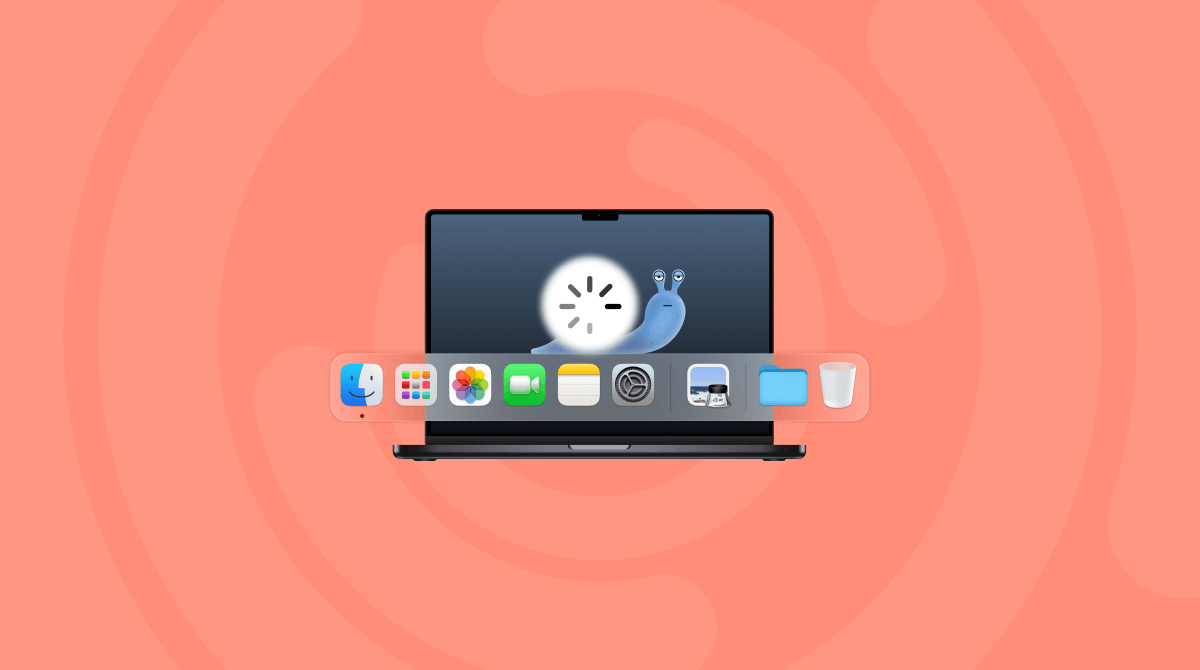
If your MacBook gets hot on battery, it can feel counterintuitive. You’re not plugged in, just doing light tasks… and yet, the fan spins up, the keyboard warms, and performance drops. This isn’t just uncomfortable—it drains your battery faster and affects long-term health.
2. Why a MacBook Overheats on Battery
Even when unplugged, background tasks can run wild. macOS doesn’t always scale down every process. Here’s what could be using your CPU and causing heat:
- Cloud syncing (Dropbox, iCloud, OneDrive)
- Photo analysis (Photos.app running face/object recognition)
- Auto-indexing (Spotlight)
- Apps running in the background without your knowledge
All of this makes your MacBook get hot on battery—even when you’re not doing much.

3. Check Activity Monitor to Find Out What’s Running
Open Activity Monitor → sort by CPU and Energy. Look for unexpected activity in idle apps. Often, just one or two processes are causing the system to work harder than necessary on battery.
4. Use AppHalt to Reduce Background Load Instantly 🛠️
AppHalt helps when your MacBook gets hot on battery by letting you pause apps that consume too much power. With one click, you reduce CPU usage, stop unnecessary syncs, and keep your system cool while unplugged.
It’s ideal for coffee shops, travel, and working outdoors where battery + heat is a constant concern.
5. Other Tips to Keep Your MacBook Cool on Battery
- Turn off unused features (Bluetooth, AirDrop)
- Close unused tabs and heavy apps
- Disable background refresh on messaging tools
- Lower screen brightness and turn off keyboard backlight
Apple’s Battery & Temperature Advice
For official recommendations: Operating temperature for Mac notebooks
🚀 Keep Your Mac Cool and Efficient on Battery with AppHalt
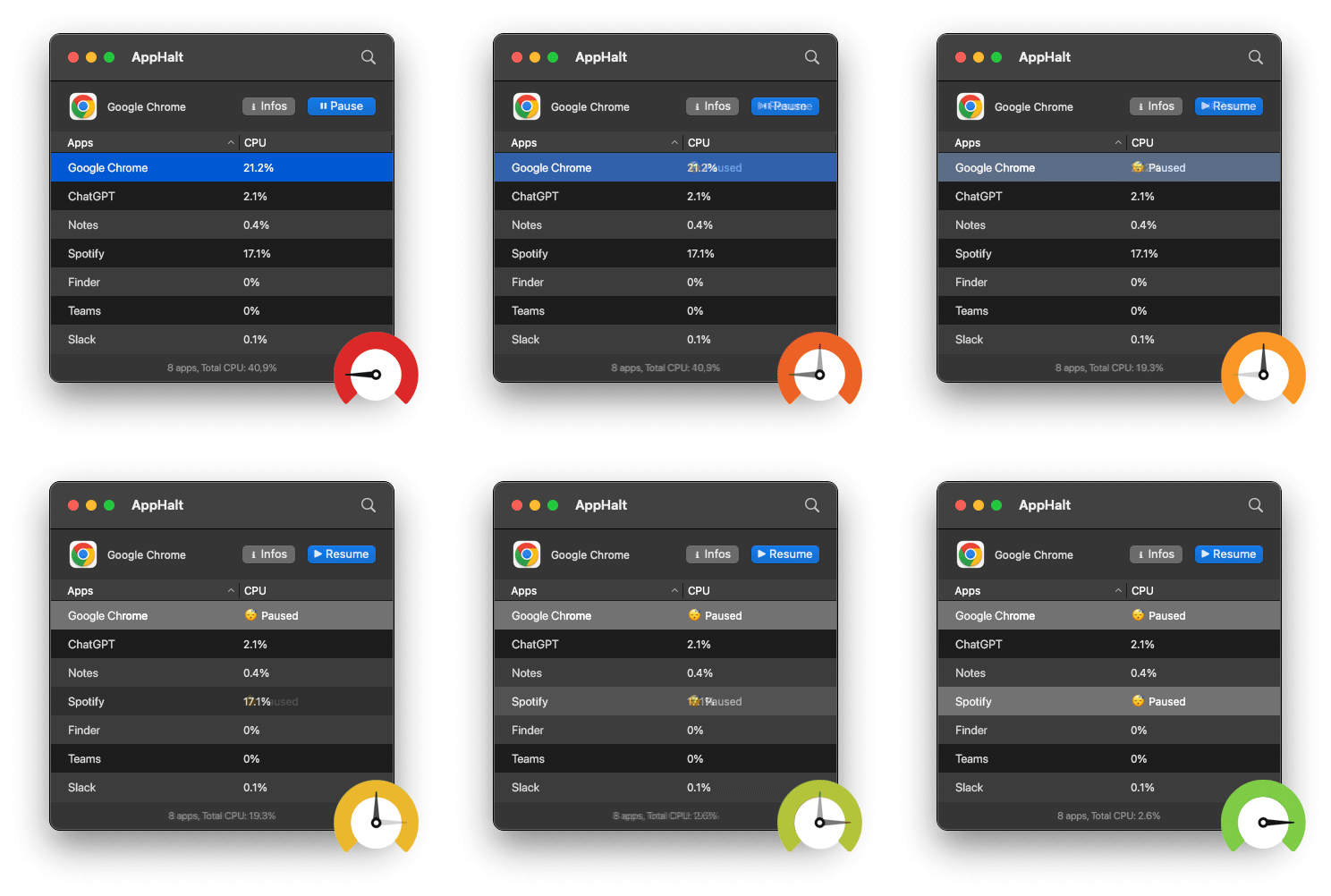
AppHalt prevents overheating and saves your battery—without quitting your essential apps.
- ✅ Pause power-hungry apps with one click
- ✅ Lower CPU heat and fan noise instantly
- ✅ Stay cool, quiet, and efficient when unplugged
📥 Download AppHalt now and enjoy long-lasting, quiet productivity on battery.