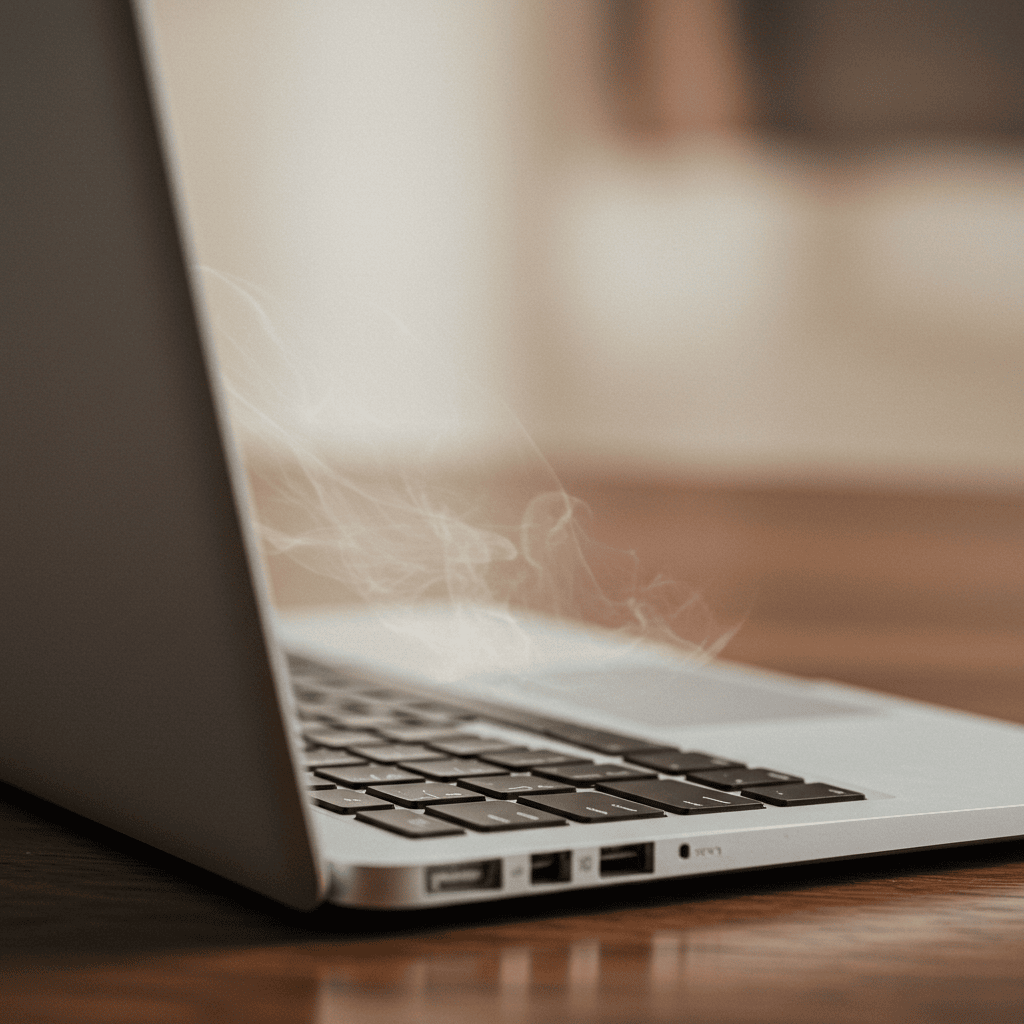
1. Mac Gets Hot When Idle? That’s a Red Flag 🛑
If your Mac gets hot when idle, it usually means something’s working in the background—even if the screen is off or you’re not touching the keyboard. This can cause overheating, fast battery drain, noisy fans, and long-term wear on your Mac.
The worst part? You don’t see it happening… until it’s too late.
2. Why Is Your Mac Overheating While Idle?
When your Mac is idle, some processes may still be running silently:
- iCloud syncing or photo analysis
- Indexing files (Spotlight, Mail, Photos)
- Chrome or Dropbox helper processes
- Automatic updates or Time Machine backups
That’s why your Mac gets hot when idle—because it’s not really idle at all.
3. Check What’s Running in the Background
Open Activity Monitor and sort by CPU and Energy. If you find apps like mds, photoanalysisd, or any cloud-sync tools running at high load—that’s the source of your Mac’s heat during inactivity.
This helps your Mac stay cool, quiet, and battery-friendly—even if you leave it open for hours.

5. Extra Tips to Prevent Idle Heat
- Close unused browser tabs before stepping away
- Quit apps you don’t need open in the background
- Don’t leave downloads or syncs running unattended
- Place your Mac on a ventilated stand or surface
Apple’s Temperature Management Tips
Apple provides heat safety guidance here: Apple Support – Operating Temperatures
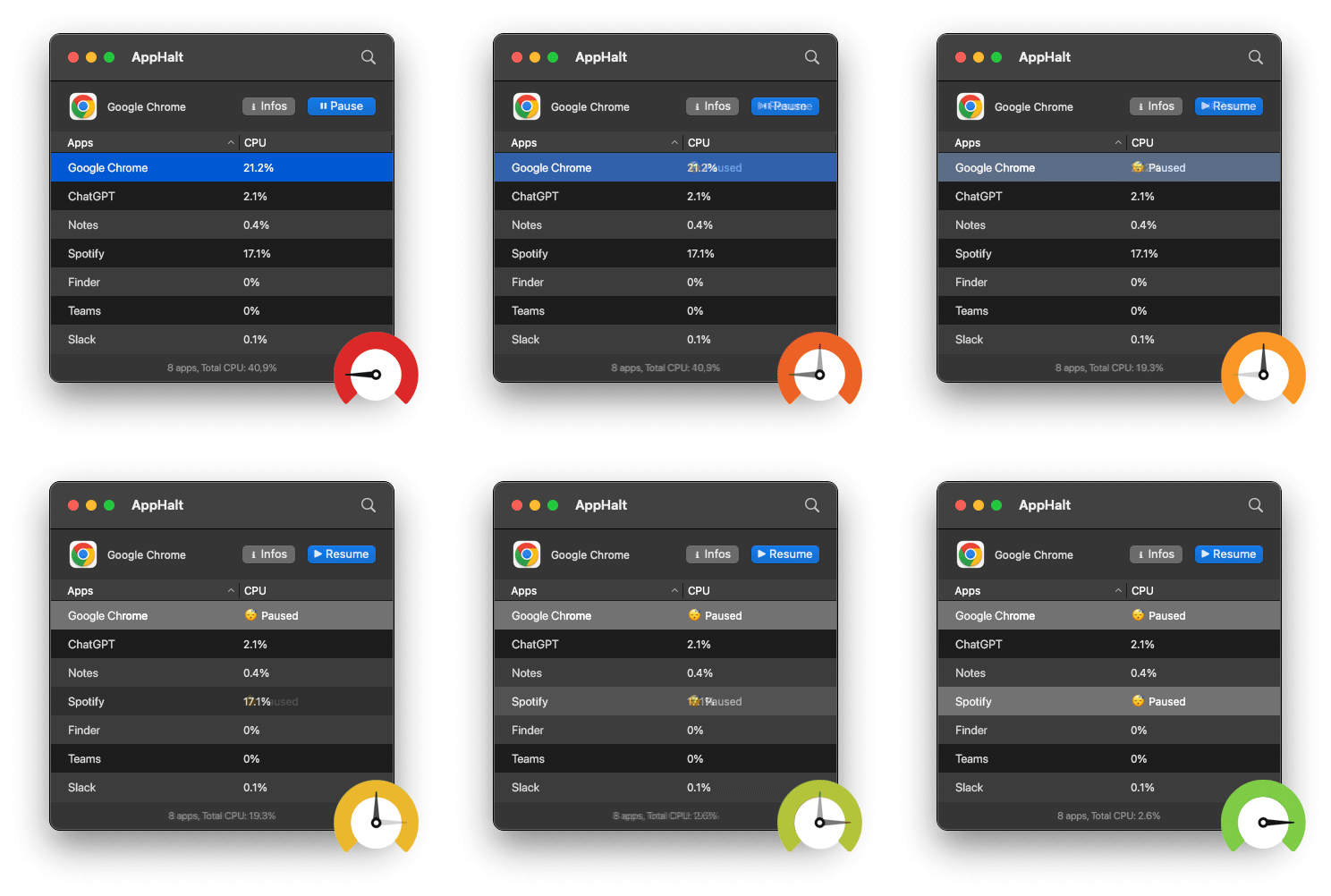
- ✅ Pause CPU-heavy apps before idle
- ✅ Prevent overheating during downtime
- ✅ Extend battery life and avoid unnecessary fan noise
Where AppHalt may help
If Activity Monitor shows a regular app you recognise using resources while you do not need it, AppHalt gives you a reversible option: pause that selected app without quitting it, then resume it later. AppHalt does not repair macOS or guarantee a speed, temperature, battery, or stability result; the effect depends on what the app was doing.
Do not pause an app that is uploading, syncing, backing up, rendering, recording, playing media, or handling a call you need to continue.