1. Mac Slow with External Hard Drive? That’s More Common Than You Think 📉
If your Mac is slow with an external hard drive connected, you’re not alone. Many users notice sluggish performance, spinning beachballs, or Finder freezing as soon as they plug in a USB or Thunderbolt disk. It’s frustrating—but also avoidable.
2. Why an External Drive Can Slow Down Your Mac
When you connect a drive, macOS tries to:
- Scan the entire volume for Spotlight indexing
- Mount and analyze file structure (especially with Time Machine or backups)
- Sync photos or videos with the Photos app or iCloud
- Run antivirus scans if you use external security tools
All this activity can quickly overload the CPU and disk I/O—making your Mac slow with external hard drive connected.

3. How to Diagnose the Slowdown / Mac Slow with External Hard Drive
- Open Activity Monitor and sort by “Disk” or “CPU”
- Look for
mds,mdworker, orbackupdprocesses - Try disconnecting the drive and check if the system becomes instantly more responsive
5. Other Ways to Optimize External Disk Usage
- Exclude the drive from Spotlight indexing (System Settings → Siri & Spotlight)
- Use APFS or ExFAT formatting for faster mounting (if compatible)
- Don’t let Time Machine run constantly with the disk connected
- Eject the drive when not in use
Apple’s Guide to External Drive Performance
Check Apple’s article: Use external storage devices with your Mac
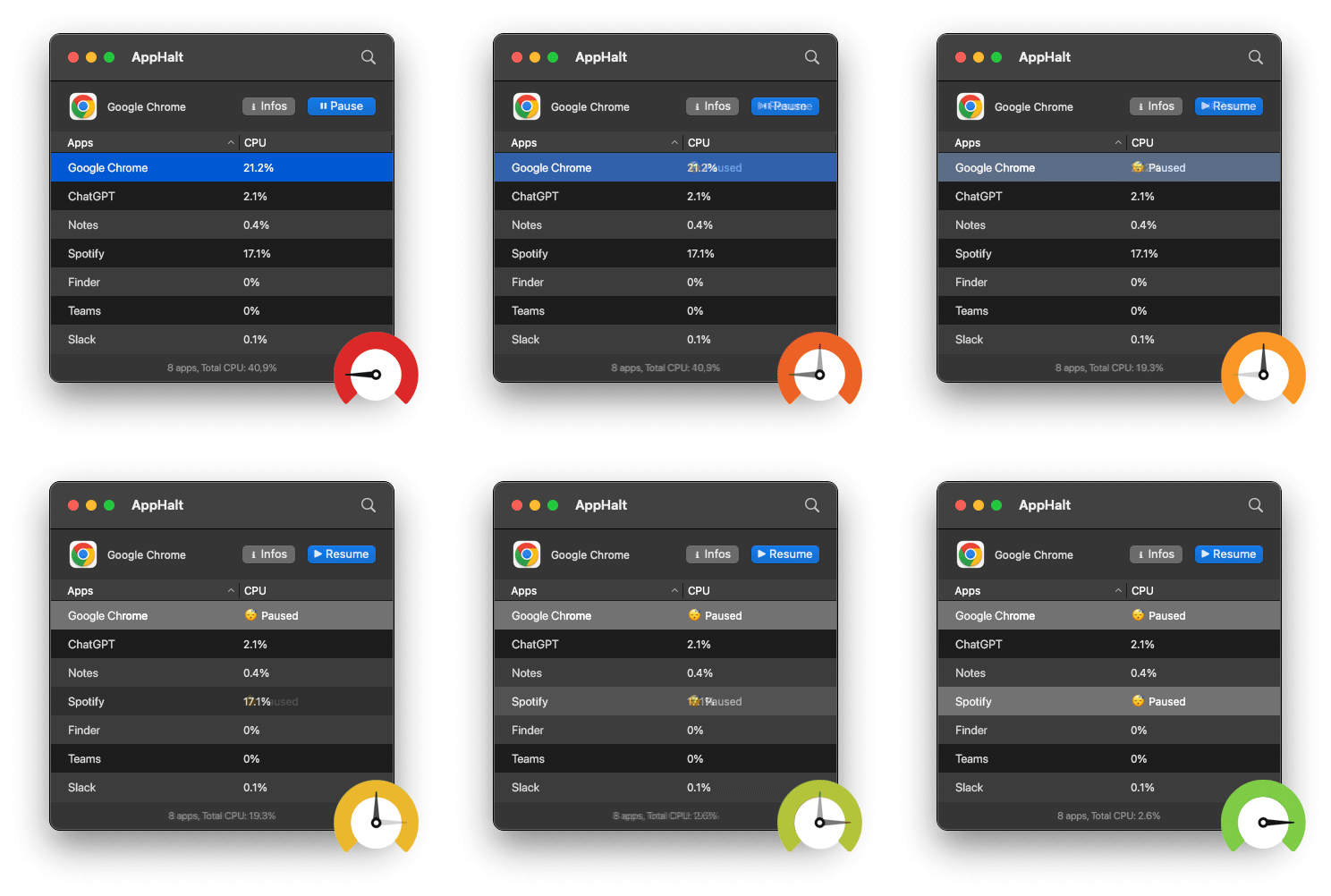
- ✅ Pause apps during file transfers or backups
- ✅ Prevent system freeze and CPU spikes
- ✅ Make external storage as seamless as internal
Where AppHalt may help
If Activity Monitor shows a regular app you recognise using resources while you do not need it, AppHalt gives you a reversible option: pause that selected app without quitting it, then resume it later. AppHalt does not repair macOS or guarantee a speed, temperature, battery, or stability result; the effect depends on what the app was doing.
Do not pause an app that is uploading, syncing, backing up, rendering, recording, playing media, or handling a call you need to continue.