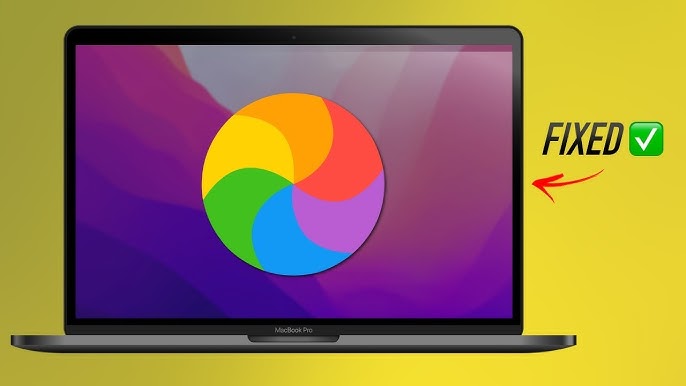
1. Mac Freezes When Opening System Settings? You’re Not Alone 🧊
If your Mac freezes when opening System Settings (formerly System Preferences), it’s not just a bug. Many users—especially since Ventura and Sonoma—report long delays, spinning wheels, or complete freezes when trying to access macOS settings.
It’s frustrating… but you can fix it quickly with the right strategy.
2. Why System Settings Cause Freezes on macOS
Unlike the old Preferences app, the new System Settings is built on SwiftUI and loads many components dynamically. It accesses:
- All active system services (Wi-Fi, Bluetooth, iCloud, etc.)
- Background apps requesting permissions
- Login items and startup processes
- Hardware states (battery, display, keyboard, etc.)
If your Mac is already busy in the background, opening System Settings adds a layer that can freeze the system temporarily.


4. Additional Fixes You Can Try
- Restart your Mac (then open System Settings first)
- Clear caches with apps like Onyx or CleanMyMac
- Turn off login items you don’t need
- Keep macOS and all apps fully updated
Apple’s Official Help on System Settings
Apple’s general advice is here: System Settings on macOS – Apple Support
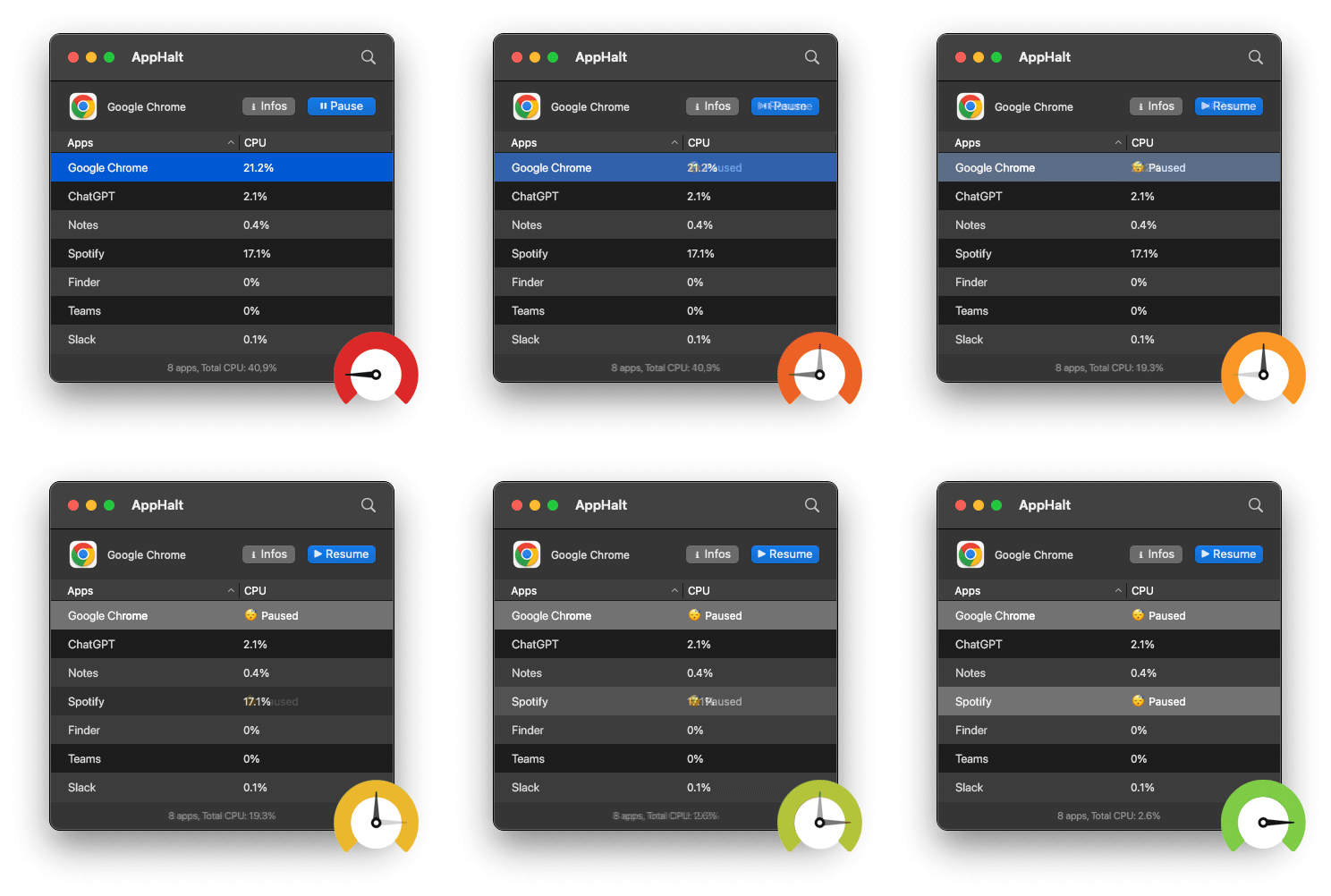
- ✅ Pause background apps before opening System Settings
- ✅ Free up system resources with one click
- ✅ Make Ventura & Sonoma settings load instantly
Where AppHalt may help
If Activity Monitor shows a regular app you recognise using resources while you do not need it, AppHalt gives you a reversible option: pause that selected app without quitting it, then resume it later. AppHalt does not repair macOS or guarantee a speed, temperature, battery, or stability result; the effect depends on what the app was doing.
Do not pause an app that is uploading, syncing, backing up, rendering, recording, playing media, or handling a call you need to continue.