
1. Mac Stuttering When Scrolling? Let’s Fix It 🖱️
If your Mac is stuttering when scrolling, especially in Safari, Chrome, Finder or even Notes—it’s not your imagination. You’re seeing what’s called “scroll lag,” and it’s often linked to deeper performance issues like high CPU usage or memory overload.
The good news? You can fix it without upgrading your Mac.
2. Why Is Scrolling Lagging on Your Mac?
macOS is designed for smooth animations, but it relies heavily on your system’s GPU and CPU. When those are overloaded, the UI starts to stutter—even with something as simple as scrolling. Here’s what may be causing it:
- Multiple browser tabs or video streams open
- Heavy background apps syncing (Dropbox, Photos…)
- Apps like Slack, Zoom or Chrome eating CPU cycles
- Cluttered desktops or low free RAM
That’s why Mac stuttering when scrolling often means there’s something else running behind the scenes.

It’s especially useful when working with large documents, editing, or doing research with multiple tabs open.
4. Other Quick Fixes for Scroll Lag
- Switch from Chrome to Safari for better GPU handling
- Reduce screen resolution on external displays
- Turn off “Smooth Scrolling” in app settings (where applicable)
- Close tabs with heavy scripts or auto-refresh content
Apple’s Advice on UI Responsiveness
Read Apple’s tips for maintaining macOS performance here: Mac performance tips – Apple Support
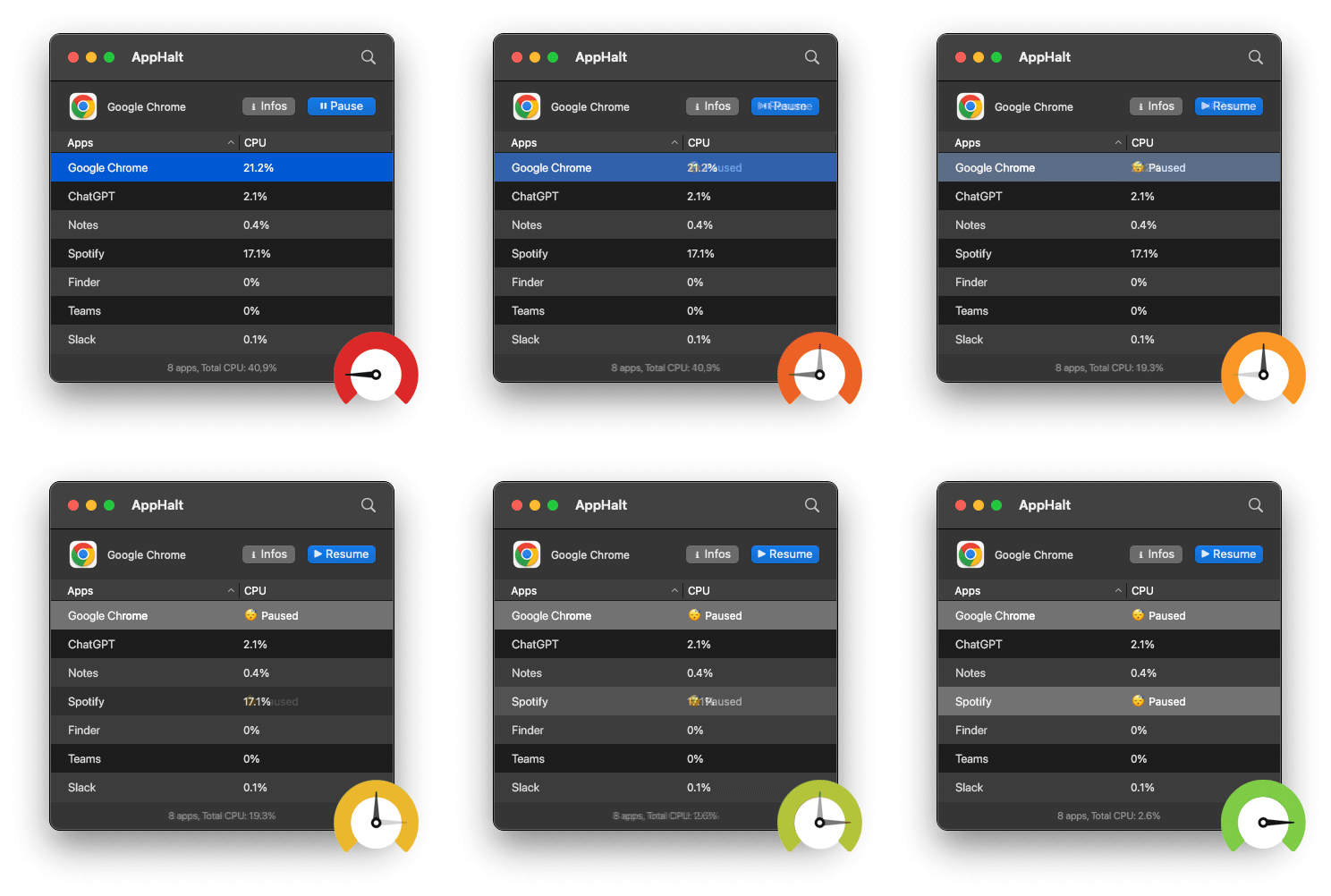
- ✅ Pause background apps causing CPU/GPU load
- ✅ Restore fluid motion in browsers, Finder, and documents
- ✅ Keep your Mac smooth—no upgrade required
Where AppHalt may help
If Activity Monitor shows a regular app you recognise using resources while you do not need it, AppHalt gives you a reversible option: pause that selected app without quitting it, then resume it later. AppHalt does not repair macOS or guarantee a speed, temperature, battery, or stability result; the effect depends on what the app was doing.
Do not pause an app that is uploading, syncing, backing up, rendering, recording, playing media, or handling a call you need to continue.