1. Mac Freezes Randomly After Update? You’re Not the Only One 🧊
If your Mac freezes randomly after an update—whether to Ventura, Sonoma, or any other macOS version—you’re not alone. Many users report stuttering, beachballs, or total unresponsiveness just days after a system upgrade.
Fortunately, there are practical solutions to bring your Mac back to normal quickly.
2. Why Updates Can Trigger Random Freezes
After a major update, macOS does a lot of invisible work:
- Reindexing files with Spotlight
- Resyncing iCloud Drive and Photos
- Cleaning caches and reconfiguring system services
- Revalidating login items and third-party extensions
This background activity causes CPU and memory spikes—so your Mac freezes randomly after update because it’s overwhelmed.
4. Other Quick Fixes to Stop Freezes
- Restart your Mac daily post-update (flushes memory)
- Reset NVRAM and SMC (for hardware glitches)
- Boot in Safe Mode to test system conflicts
- Update your apps to their latest versions
Need Help? Apple’s Post-Update Support Guide
Apple offers steps here: If your Mac doesn’t shut down or restart
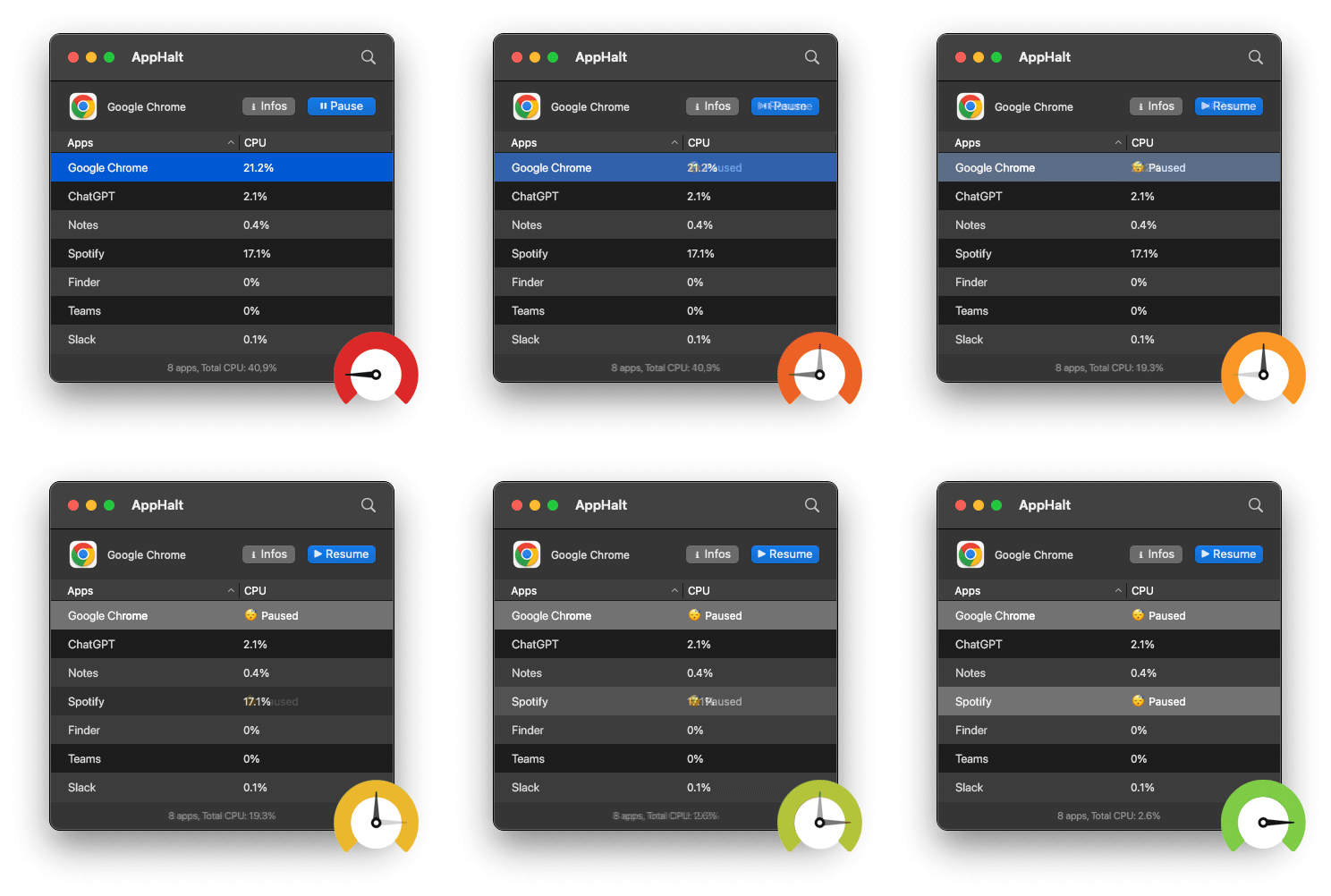
- ✅ Pause background apps that slow down your Mac
- ✅ Free up memory and CPU after system upgrades
- ✅ Reduce freeze risks and regain stability
Where AppHalt may help
If Activity Monitor shows a regular app you recognise using resources while you do not need it, AppHalt gives you a reversible option: pause that selected app without quitting it, then resume it later. AppHalt does not repair macOS or guarantee a speed, temperature, battery, or stability result; the effect depends on what the app was doing.
Do not pause an app that is uploading, syncing, backing up, rendering, recording, playing media, or handling a call you need to continue.