Pause instead of quit
AppHalt temporarily stops selected app processes while keeping the workspace visible.
Verified fact sheet · 30 August 2026
AppHalt is a lightweight macOS menu bar utility that pauses selected apps without quitting them. Their windows, tabs, and documents remain open, ready to resume.
Product facts
| Product | AppHalt |
|---|---|
| Current version | 1.9.2 · build 19308 |
| Platform | macOS 11.7 or later |
| Architecture | Universal app for Apple silicon and Intel Macs |
| Distribution | Developer ID signed and Apple-notarized DMG |
| Free | Pause up to 2 apps. No account and no payment card required. |
| Pro | Unlimited app pausing, Auto-Pause, groups, exclusions, and advanced preferences |
| Price | $9.99 USD one-time purchase. No subscription. |
| Refund | 14-day money-back guarantee for AppHalt Pro |
| Creator | Gabriel Nion |
| Contact | contact@apphalt.app |
Accurate framing
AppHalt temporarily stops selected app processes while keeping the workspace visible.
The user resumes a paused app before needing its live work, network activity, or notifications again.
AppHalt does not delete files, clear caches, uninstall apps, or invent a system health score.
The result depends on what the selected app was doing. An idle app using no meaningful CPU may produce no measurable change.
Safe review flow
Use a regular app you recognise, save its work, and confirm no important transfer or live task is active.
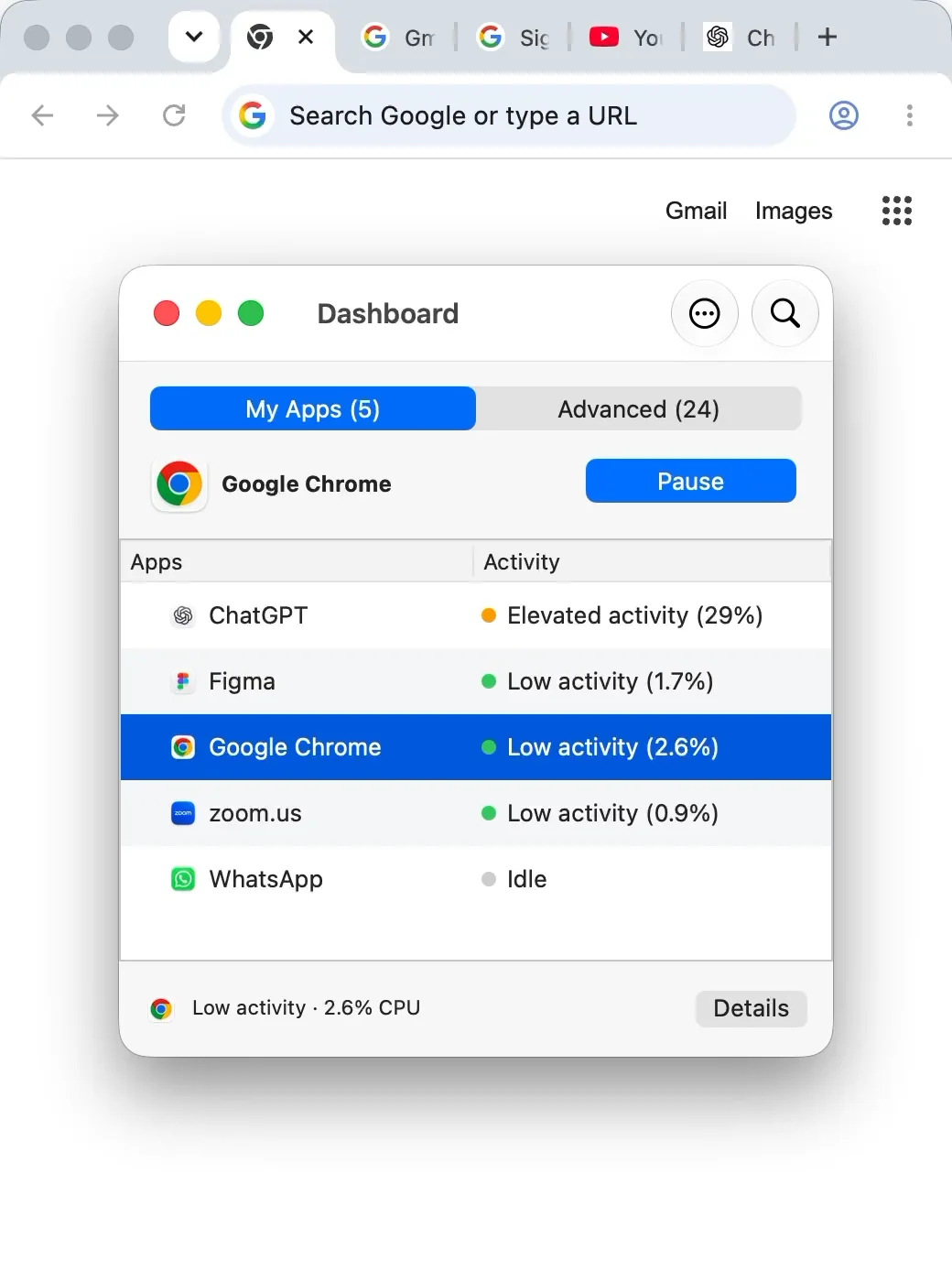
Open the menu bar utility and show the app’s current activity.
Pause the selected app and show that its window remains open.
Resume the app before returning to its workflow.
Do not pause an active download, upload, sync, backup, call, recording, export, render, build, security tool, hardware controller, or macOS system process.
Copy-ready descriptions
AppHalt is a macOS menu bar utility that pauses selected apps without quitting them, keeping their windows, tabs, and documents open.
AppHalt gives Mac users a middle ground between quitting an app and leaving it active. Pause an app you do not need right now, keep the workspace open, and resume it later.
Primary links